

Your transactions laid out like a spreadsheet, with balances that always add up.
Most finance apps give you an endless feed. Let's Save puts days down the side and categories across the top, with daily totals and a running balance pinned at the bottom.
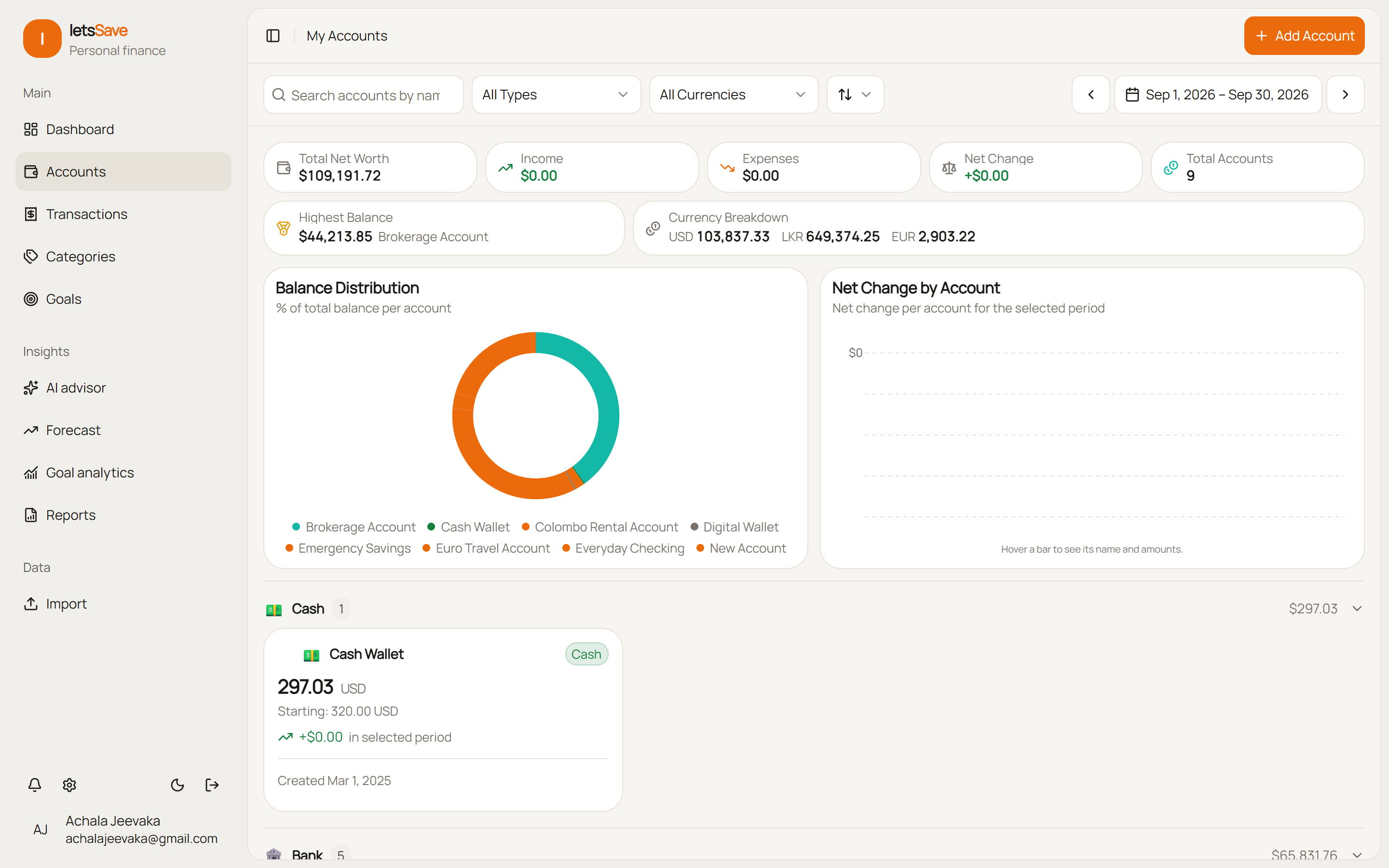
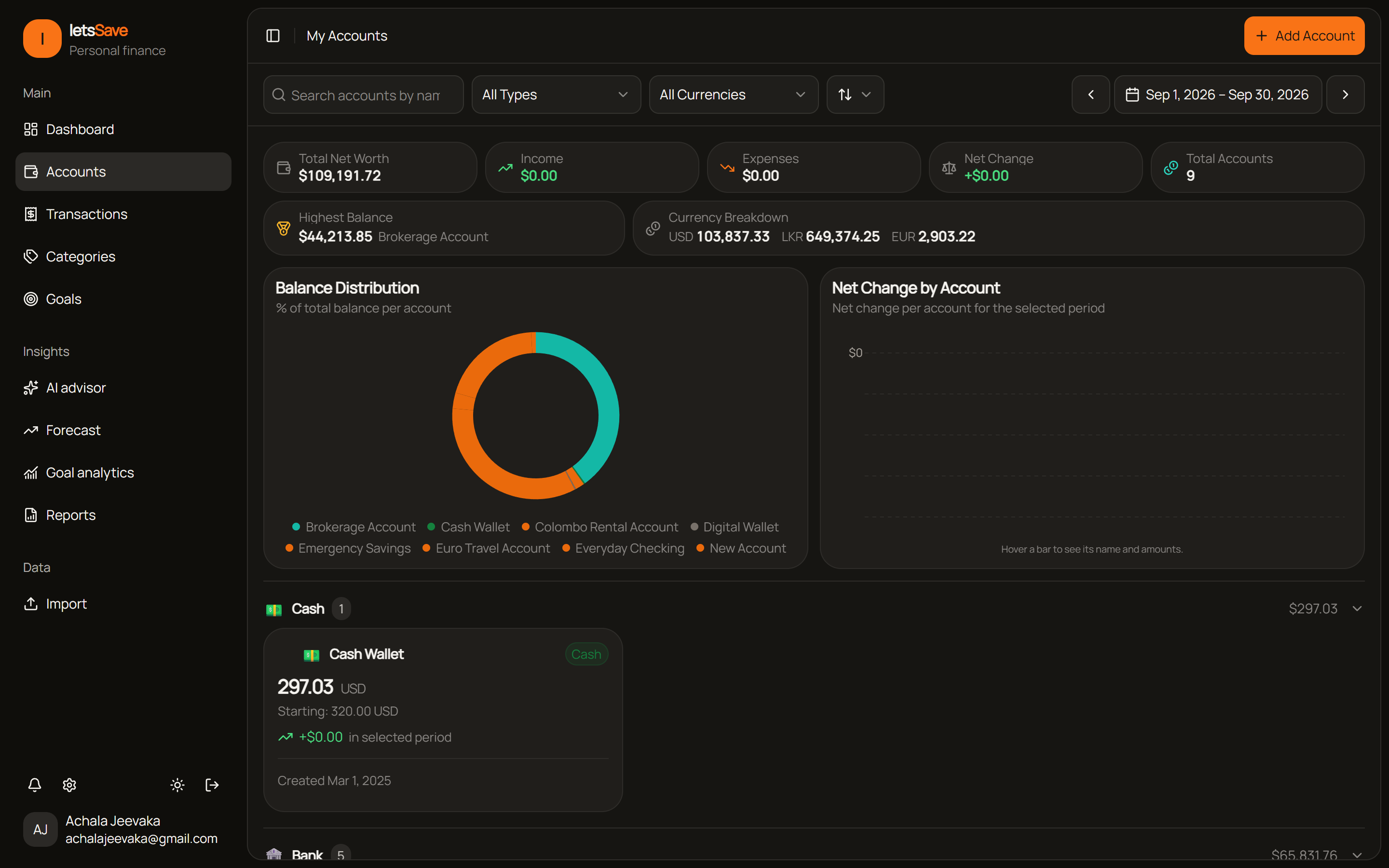
Balances across 9 accounts
How the grid and balances work
A dense grid with pinned headers, transfers that move two balances at once, and totals kept for every day.
The date header, the category columns and the footer with daily totals and the running balance stay on screen while you scroll.
Delete a transfer and both accounts' balances move back, the daily totals update, and the dashboards refresh.
CSV and Excel files are opened in your browser. Only the rows you approve are sent to us.
Balances you can check
Every account follows one rule: its balance is its starting balance plus all of its transactions.
Click a cell to see it
Click any day and category to see the transactions behind the number, or add one with the date and category already filled in.
Transfers that aren't income
Moving money between your own accounts updates both balances and stays out of your income and spending.
6 seconds to undo
Deleting an account shows what goes with it, such as transfers and linked goals, and gives you 6 seconds to change your mind.
CSV and Excel import
Columns are matched for you, and a date like 03/04 is checked to work out whether the day or the month comes first. You can undo an import for 30 days.
Statements read by AI
On Pro, AI reads transactions from PDF statements, invoices and photos of receipts. Account numbers are cut down to the last four digits.
Fees on their own line
Attach a fee, like a wire or card processing charge, to the transaction it came with and give it a category of its own.
How it works
From a bank statement to a balance you trust.
Import a statement
Import a CSV or Excel file, which is read in your browser. Automatic bank sync is coming soon.
Check it in the grid
Look over the month by day and category, fix a category here and there, and add anything that's missing.
Trust the balance
Each account's balance is its starting balance plus its transactions. Corrections are recorded as transactions too, so the rule always holds.
See your month at a glance
Import a statement and check it in the grid. Your CSV file never leaves your browser.