

Multi-currency that holds up. Old totals don't move.
When exchange rates change, a lot of apps quietly rewrite your past. Let's Save stores the rate from the day each transaction happened, so last year's totals stay what they were.
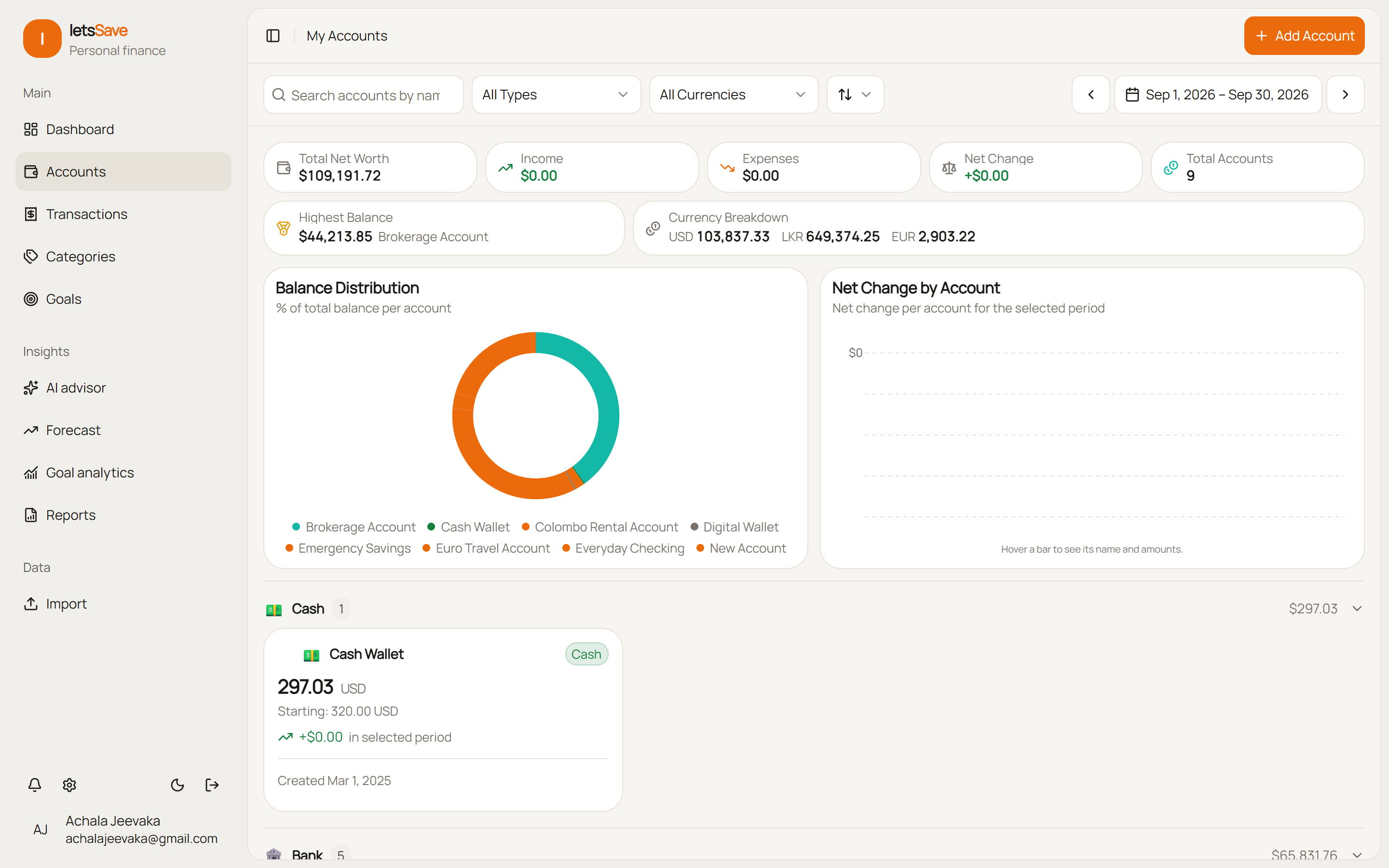
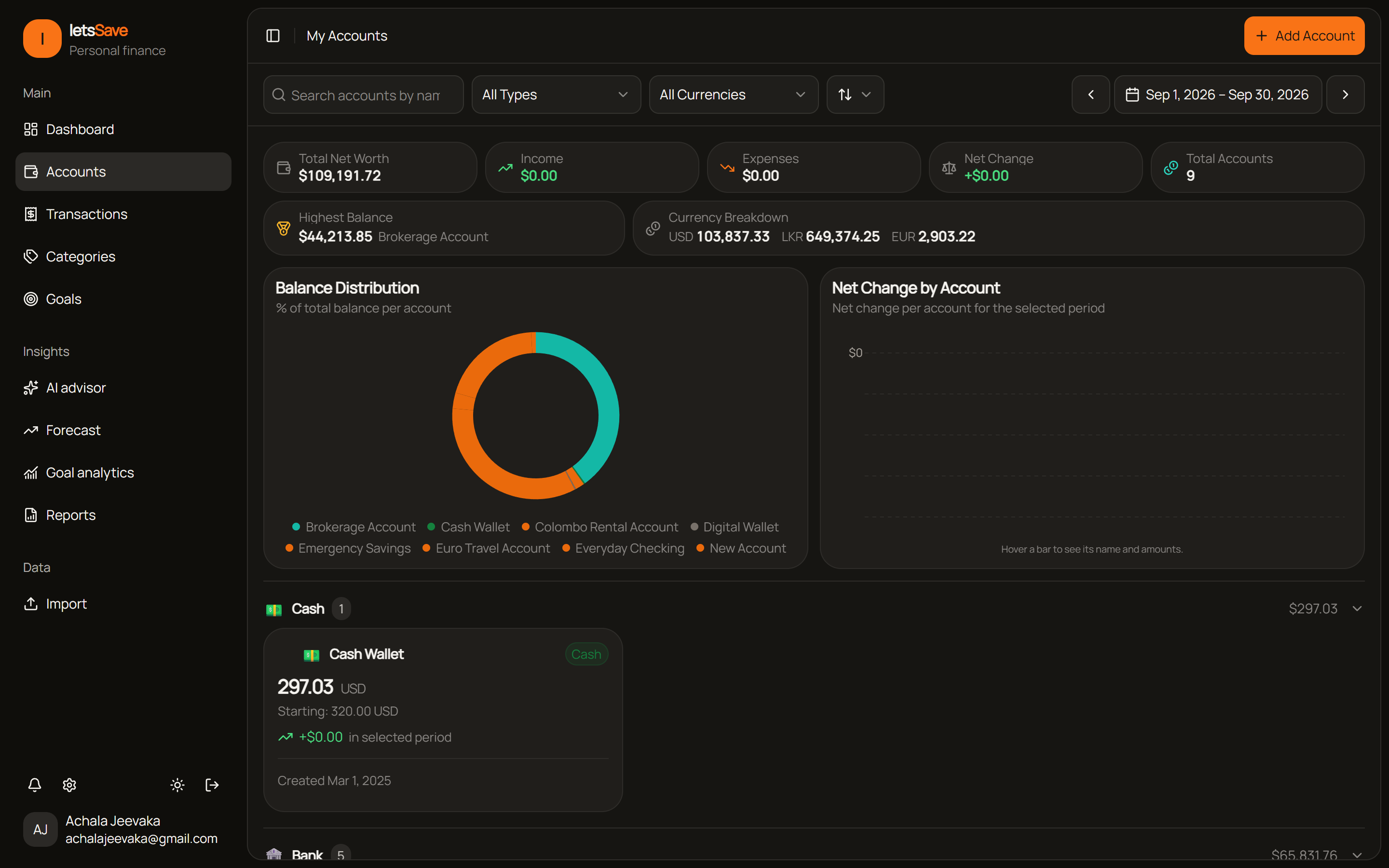
Rates locked to the date
Each transaction keeps the rate from its own day, so a currency swing today can't change what you spent last year.
We store a set of exchange rates for each day from Open Exchange Rates, refreshed every few hours. A transaction uses the snapshot for its own date.
Switch your base currency and your whole history, your goals and your contributions are restated using each day's rate.
Keep accounts in USD, EUR, GBP, CAD, LKR, JPY or anything else. Each account keeps its own balance and is only converted for totals.
Why the date of the rate matters
How exchange rates quietly change your history in other apps.
No drift
A €1,000 flight booked in 2024 is still worth the same in dollars in 2026, whatever the rate does in between.
160+ currencies
Open checking, savings, credit and investment accounts in any ISO 4217 currency, with the right symbol and code.
Transfers aren't income
Moving money between your own accounts in different currencies credits the other account in its own currency, and never counts as income.
Big imports stay quick
Importing years of statements uses the rates we've already stored, so it doesn't wait on a lookup for every date.
Two currencies, one household
Each partner can keep accounts in their own currency and still share them with the other.
Goals in any currency
Put money toward a goal from any account. Each contribution records the rate from its own date.
How it works
Three steps to see everything in one currency.
Pick a base currency
Choose it when you sign up. Net worth and reports are shown in it, and you can change it later.
Open accounts in any currency
Bank, cash or credit accounts, each in its own currency.
Add or import transactions
Each foreign transaction is converted at the rate from its own day and keeps that rate.
Keep every currency straight
Track accounts abroad, client payments and spending across borders, all in one currency.